
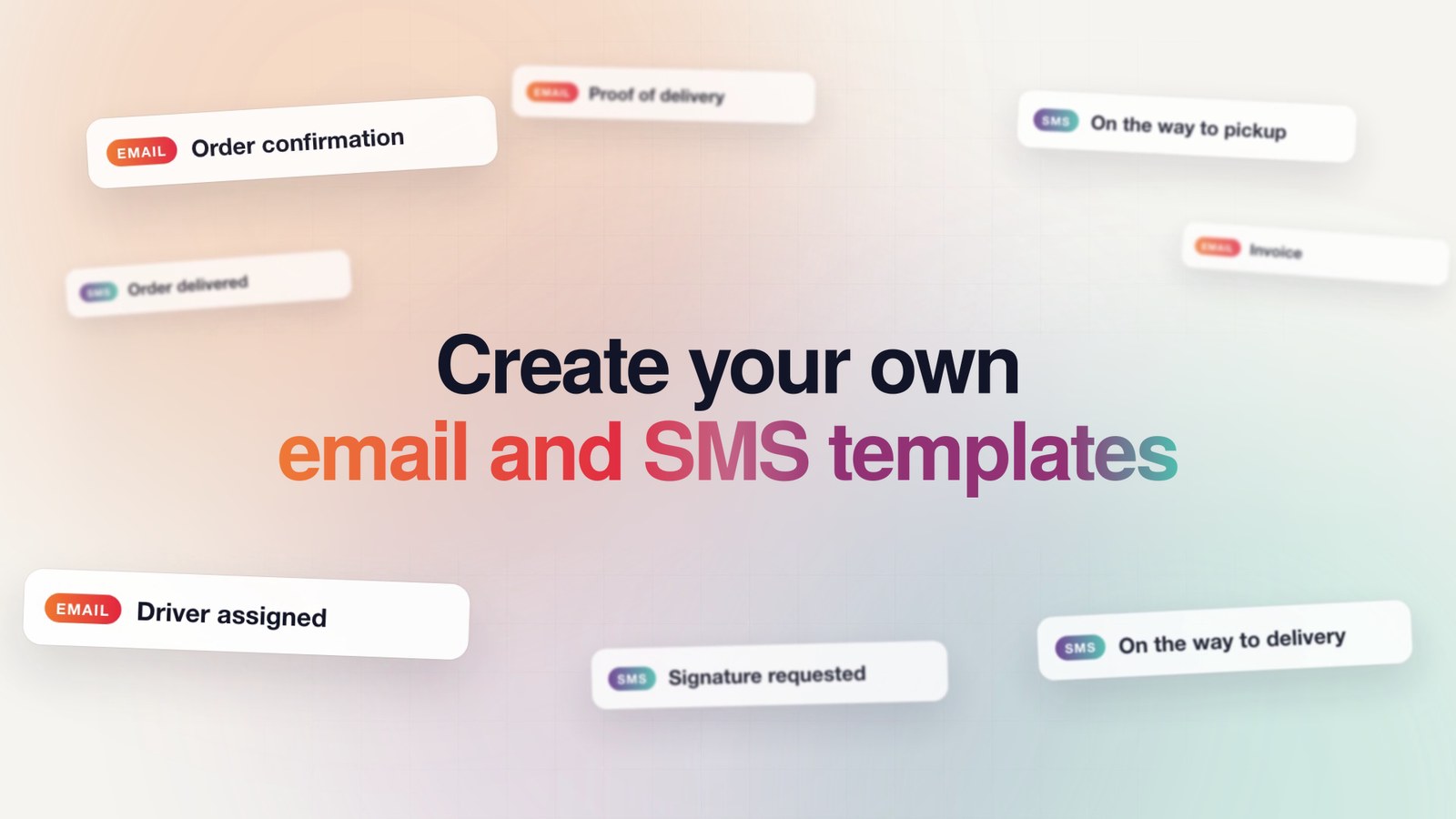
Order confirmations, status updates, proof of delivery, invoices and credit notes, quotes, customer portal emails and emails to drivers and staff can now be customised in the same template editor you already use for PDF templates. In total, that covers 43 email types and 14 SMS types.
All emails now share one design with your logo, colours, font, button style and a footer for each language. Set it up once and it applies to every email. As long as you don't change an email, the standard content is sent as before, in the new shared design.
In the SMS templates, you edit the text of each message, with separate text for each language. A counter shows how many SMS parts the message will use, and rules work the same way as for email. Customers can now also sign up for an email when a pickup or delivery can't be completed.
The customer pages have a new design, from the customer list to creating and editing customers and contacts. The user pages now have search, filters and an overview of active, invited, locked and inactive users. New users can get an email invitation and choose their own password, and permissions are grouped by area, so you can see which pages have been added or removed compared to the role.
Already a customer? You'll find the templates in the TMS under email templates and SMS templates.
Want to know more about FleetX? Book a demo or read more news.
Book a free demo and one of our team will walk you through FleetX, tailored to your operation. No commitment, no credit card.
Start a demo